
Your needs, this model
Does it fit your priorities?
Can it automatically capture both sides?
No. Brother documents a single-sided portable unit; a two-sided original requires another feed pass.
Explore this need in the finder →Does Brother list legal-size paper among supported originals?
Yes. Brother's US page identifies documents up to legal size; confirm the exact paper condition and manual guidance before feeding an original.
Explore this need in the finder →Can I assume that its old driver works with a current computer?
No. The US manual documents historical Windows and Mac routes; verify exact current host and application support rather than inferring it.
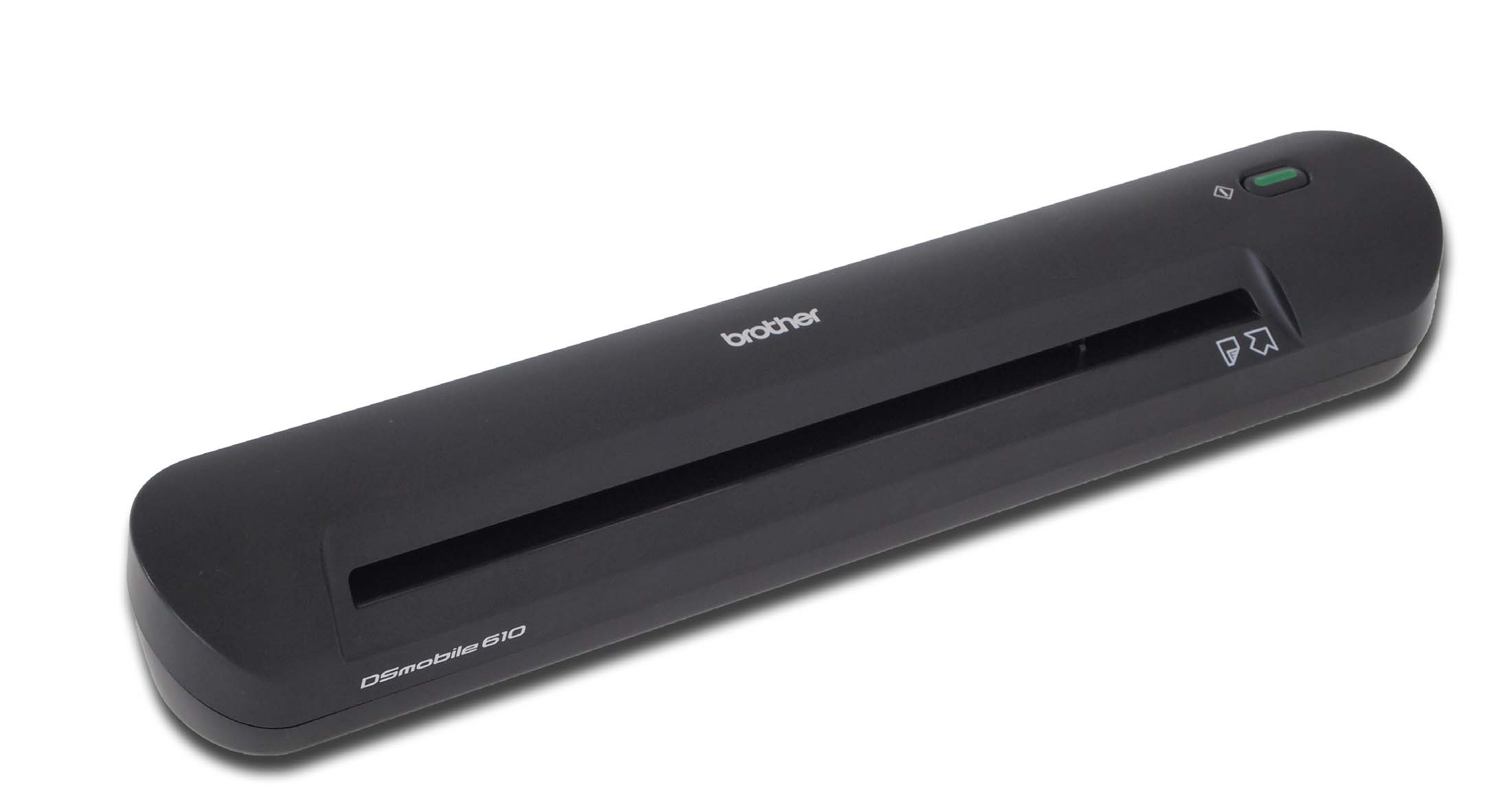
Explore this need in the finder →The Brother DSmobile 610 is a discontinued USB-powered sheet-fed scanner aimed at document capture away from a full-size desk. Its attraction is straightforward: it can take a loose original into a computer workflow without a separate wall adapter. The trade is equally direct. It accepts one sheet at a time, has no automatic duplex route, and depends on old computer drivers. This review uses Brother’s US product page, its discontinued-model support bridge and the 2012 US user guide. It is a document-based assessment, not a report of personal use or a current operating-system compatibility test.
A single-sheet travel routine
Brother describes the DS-610 for documents, invoices, insurance forms, receipts, photographs and business cards, with legal-size originals among the stated media. The guide’s setup and feed instructions center on one page at a time; there is no multi-sheet ADF. That makes it plausible for occasional paperwork gathered during travel or for a desk where a compact device is more useful than an unattended stack feeder. It is not a shortcut for digitizing a folder in batches: each page still needs to be presented to the slot and checked in the receiving software.
Keep the speed figure in context
Brother lists a maximum of six pages per minute in monochrome at 200 dpi. The product material does not establish a matching color-speed figure, so the mono number should not be generalized to color capture or higher resolution. The listed optical resolution is up to 600 dpi. Those are manufacturer specifications, not measured results, and the manual’s documented software setup is part of the working path. A small scanner may be physically portable, but computer processing, image settings and the condition of the feed path still affect a real job.
USB and legacy software are the central decisions
The product description says the scanner is powered by its USB cable, without a battery or separate adapter. Brother’s US guide documents TWAIN and WIA drivers for Windows and a Mac TWAIN route, plus DSmobileSCAN, PageManager and BizCard software in the original installation materials. The guide’s driver references are tied to historical Windows and Mac OS X releases. That is useful evidence about the device’s intended computer workflow, but it is not evidence that those installers support a current computer. Before considering one, identify the exact host, driver and capture application you expect to use; do not assume PDF output alone satisfies a TWAIN requirement or vice versa.
What it does not do
The DS-610 is a simplex scanner. A two-sided sheet must be turned and captured again; the model has no Wi-Fi, no documented mobile-device scanning route and no computer-free cloud path. Its USB connection is not the same thing as a networked destination. It also should not be mistaken for a modern portable ADF merely because the product page calls it a mobile scanner. There is no independently verified scan speed, duty recommendation, automatic deskew result or OCR accuracy in this assessment.
Compare exact models rather than family labels
The later DS-620 retains the one-sheet USB idea but has Brother-listed eight-page-per-minute color and monochrome performance and its own paper-size limits. The DS-640 is a separate discontinued model with a 16-page-per-minute manufacturer figure and a longer documented original, using Micro USB 3.0. Neither comparison makes the DS-610 a bad fit by definition; they make its age, available cable, software state and more limited documented throughput worth checking. These are distinct product codes, not interchangeable packages.
What to verify on an older unit
Brother marks the DS-610 discontinued in both its US product and support information. The archived manual describes the original kit as including a USB cable, two plastic feeding sheets, calibration sheets, a cleaning sheet, a carrying bag and an installation DVD, among other papers. A used package may not retain those items, and optional or missing carriers should not be treated as included. Ask whether the exact scanner is recognized by the intended computer, whether the driver can be obtained through a supported official route, and whether a test scan succeeds before relying on it for a records workflow. The listing’s condition and return terms matter more here than an old advertised price.
Evidence boundary
The product page provides the model identity and headline capture claims; the US manual provides driver, connection and setup context. Brother’s old OS list is historical documentation, not a promise of current compatibility. No personal testing, present stock, price, third-party app support or current driver download has been assumed.
Key specifications
Key details at a glance
| Scanner class | Portable one-sheet sheet-fed scanner |
|---|---|
| Manufacturer-listed simplex rate | 6 ppm |
| Optical resolution | 600 dpi |
| Connection options | USB |
| Automatic duplex capture | No |
| Touchscreen | No |
| TWAIN driver documented | Yes |
Use the exact model’s instructions for operating limits, supplied equipment and version differences.
Sources for this review
Sources for this assessment
Compare the workflow before you choose
Use the finder to test your connection, paper and software requirements against the documented scanner arrangements.