
Your needs, this model
Does it fit your priorities?
Will the DS700D capture both sides without turning the page?
Yes. Brother describes duplex capture in a single pass, with separate monochrome and color speed ratings. Those are manufacturer figures; the slot still accepts one page at a time.
Explore this need in the finder →Can it scan a stack automatically?
The reviewed U.S. product page calls it sheet-fed and the manual describes document-by-document slot use, but the sources do not publish a 20-sheet ADF capacity or an automatic stack limit. Do not count it as a positive ADF match; check the exact manual and do not infer stack feeding.
Explore this need in the finder →Will the published TWAIN route work on Windows 11?
Do not assume so. The guide lists TWAIN/WIA for Windows XP/Vista/7 and older Mac OS X releases; Brother’s current Windows 11 table does not list DS700D. Verify the exact current host and capture app before relying on this scanner.
Explore this need in the finder →Does it provide wireless or phone scanning?
No Wi-Fi or mobile-device plan is documented in the exact U.S. product page and guide. It is USB-powered for computer-side capture.
Explore this need in the finder →The discontinued Brother DSmobile 700D is a very small USB-powered sheet-fed scanner whose defining feature is single-pass duplex capture. That label can sound like an office ADF, but Brother's reviewed U.S. product page and guide do not publish a multi-sheet feeder capacity. Its documented workflow places an original in the slot; treat it as a manually fed portable, not a rated stack feeder. It can capture both sides of an individual page without turning it over. If your work is occasional receipts, signed pages or forms, duplex may save a manual flip. If the work is batches, the absence of a documented ADF capacity is the more important specification.
What duplex means on this scanner
Brother's U.S. product page describes duplex scanning in a single pass and USB power from the connected computer, with no battery or wall adapter required. The manual's specification table separates monochrome and colour rates: up to 10 images per minute in monochrome and 3 in colour at the stated Letter/200-dpi conditions. Those manufacturer figures are not independent test results. The resolution is listed as 600 optical with 1200 interpolated; these are not equivalent kinds of detail. The mechanism supports ordinary sheets and some cards, including thicker laminated material, but thickness and size limits matter. It is not a universal pass-through for bound material, fragile originals or any document that exceeds the manual's stated limits.
The scanner connects over USB and is powered by the computer. Brother's original documentation lists TWAIN and WIA for old Windows versions and TWAIN for older Mac OS X versions. That establishes the intended software-era route, not present compatibility. The current Brother Windows 11 table does not list the DS-700D; Brother says unlisted models have no plans for supported drivers or software, and that a Windows 10 fallback may work but is not guaranteed or supported. Before buying an older unit for a workflow that depends on TWAIN, check the precise operating system, application, driver availability and cable required; do not substitute the ability to create a PDF in another app for a supported TWAIN path.
One slot, not an ADF or separate manual-feed channel
The DS700D has a sheet-fed slot, but the reviewed U.S. sources do not assign it a multi-sheet ADF capacity. They do not establish that a pile can be loaded automatically, so this assessment does not count it as a 20-sheet ADF. Nor do they establish a distinct manual-feed mode apart from placing originals in the ordinary slot. Do not infer a second input path or stack capacity from the software's ability to combine multiple scans into one file.
That boundary matters when comparing it with the DS-720D. Both are portable duplex models, but their documentation differs: the DS-720D guide explicitly says to insert one page at a time, while the DS700D sources do not state a capacity-rated stack feed. The DS-720D is described as a colour-page scanner with up to 5 ppm duplex and 8 ppm simplex. The DS700D's U.S. manual gives distinct monochrome and colour duplex rates. Do not transfer one model's values, capacity statements or supported systems to the other.
Who should consider it—and what to verify
This model might be worth investigating if the exact scanner is already available to you, your originals are one at a time, automatic two-sided capture is essential, USB-to-computer operation is acceptable, and the intended host software can still communicate with it. It is a poor match when a battery, Wi-Fi, phone transfer, touchscreen controls, direct cloud route or multi-sheet feeder is required. Those absences are not fixed by its portability or by the word “mobile” in older marketing.
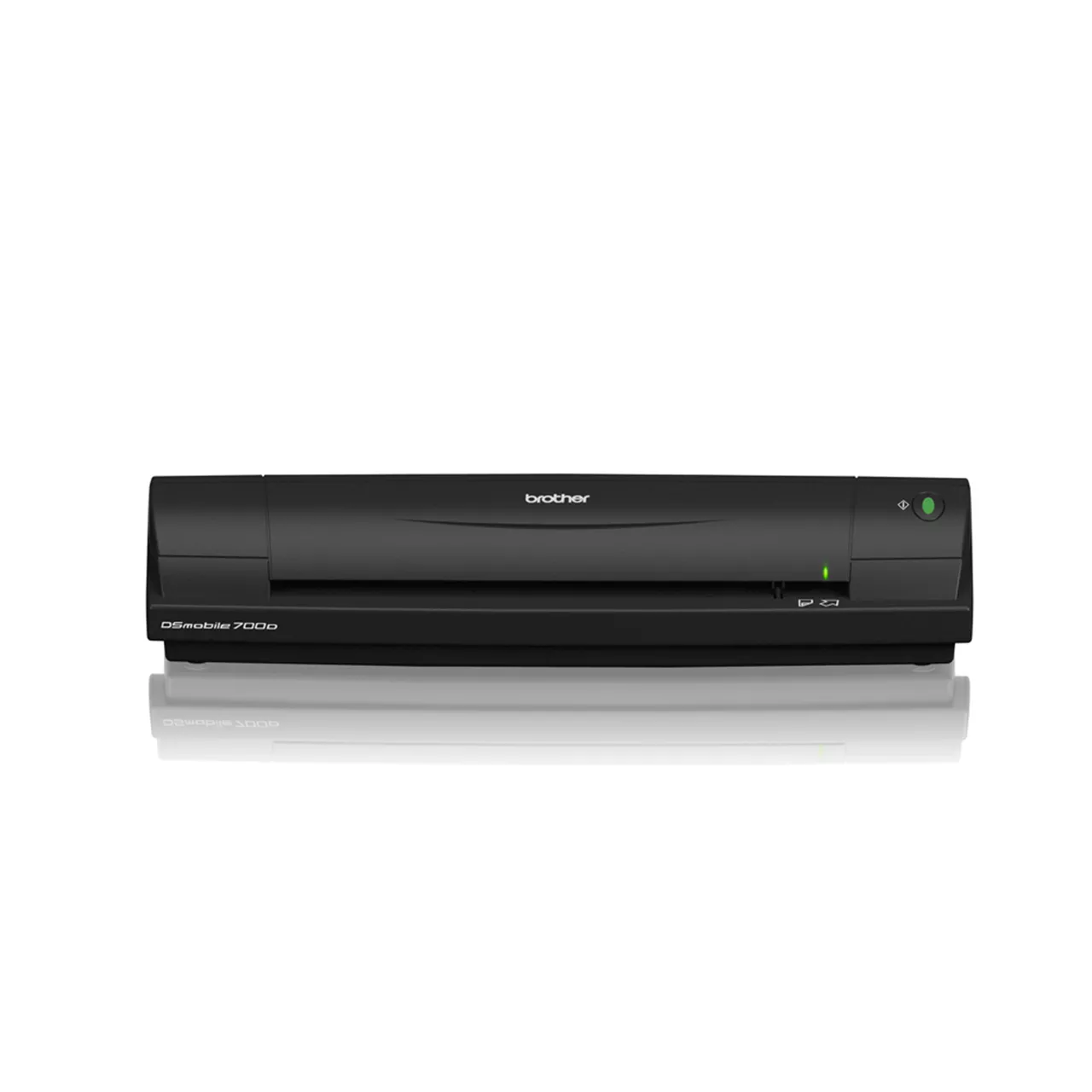
The exact U.S. Brother product page marks the model discontinued. The manufacturer page is not proof of current reseller stock, a seller's condition, included accessories or a warranty. The source page does not provide a U.S.-linked product photo, so the visual asset shown with this assessment is an official Brother global DS-700D product image; it identifies the model body but does not prove that a particular second-hand unit is identical in condition or package. Check the physical model label, cable and any included installation media, seller return terms, and the scan application's OS requirements. The 2012 U.S. manual is the main guide for its old software route and limitations, not evidence that those old drivers install on current systems.
Bottom line
The 700D's strongest case is a narrow one: duplex capture for individual originals over computer-powered USB. Its single-pass two-sided mechanism is useful only if the host software is compatible and the user accepts manual slot loading. The major drawback is not just that the model is old; current host support is uncertain and no stack capacity is documented. Choose it only after checking the host, application, exact unit and seller terms. A current desktop feeder is the more sensible direction for recurring stacks, while a similarly compact portable duplex model also needs a model-specific capacity check.
Primary sources and limits
- Brother U.S. DS700D product page — exact U.S. model and discontinued status; no exact U.S.-linked photo was served.
- Brother U.S. DSmobile 700D User's Guide — duplex, one-page input, media limits and legacy TWAIN/WIA software descriptions.
- Brother U.S. DS700D specifications — indexed model-specific specifications; direct retrieval of this support page returned HTTP 403 during this research, so the accessible product page and linked guide remain the archived evidence.
- Brother Windows 11 support table — DS-700D is not listed; Brother's own note explains that unlisted models have no planned supported drivers/software.
Key specifications
Key details at a glance
| Scanner class | Portable single sheet fed |
|---|---|
| Manufacturer-listed simplex rate | 10 ppm |
| Manufacturer-listed duplex image rate | 10 ipm |
| Optical resolution | 600 dpi |
| Connection options | USB |
| Automatic duplex capture | Yes |
| Touchscreen | No |
| TWAIN driver documented | Yes |
Use the exact model’s instructions for operating limits, supplied equipment and version differences.
Sources for this review
Sources for this assessment
- Brother DS700D exact U.S. product page
- Brother DS700D U.S. manual index
- Brother DSmobile 700D U.S. User’s Guide, version A
- Brother DS700D U.S. support route
- Brother DS700D U.S. support specification table
- Brother U.S. Windows 11 support table
- Brother U.S. recalls page, screened for these exact models
- Brother global DS-700D official exact-model image

Compare the workflow before you choose
Use the finder to test your connection, paper and software requirements against the documented scanner arrangements.