
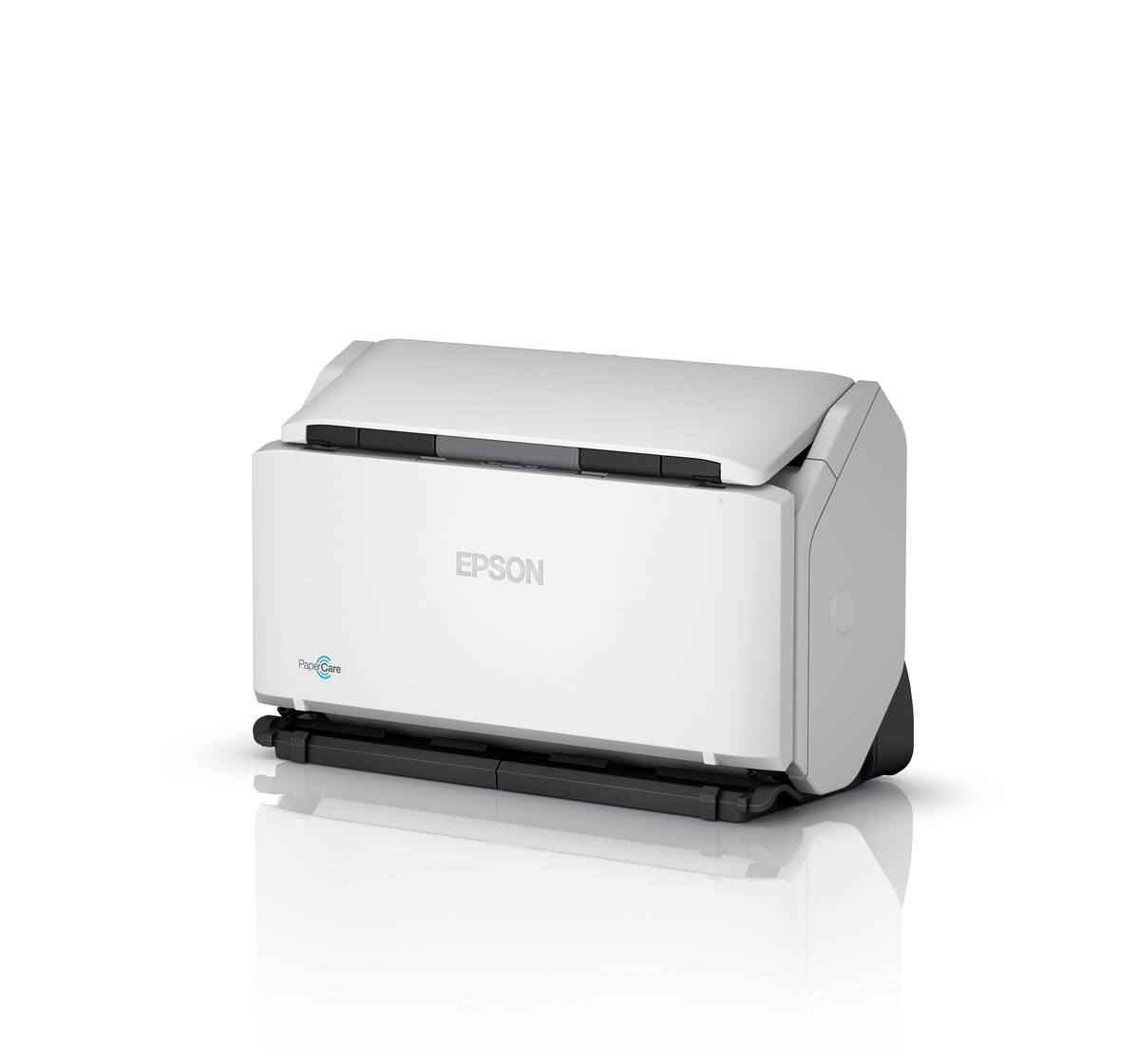
Your needs, this model
Does it fit your priorities?
Can I use the DS-32000 over USB with a TWAIN app and duplex?
Epson lists USB host capture, TWAIN/ISIS, and one-pass duplex for this model. Confirm current OS and software support.
Explore this need in the finder →Does the guide establish a separate manual-feed mode?
Yes. The selector has Manual Feed for specified one-at-a-time originals and special media; double-feed detection is disabled in that position.
Explore this need in the finder →Does the 120-sheet rating apply when Delicate Mode is selected?
No. Delicate Mode reduces the 80 g/m² load to 20 Letter/A4 sheets or 10 A3 sheets; Normal Mode is rated 120/60 respectively.
Explore this need in the finder →The Epson DS-32000 (U.S. part B11B255201) is a large-format document scanner whose vertical and horizontal feed positions, standard batch setting, delicate setting, and storage position are central to its design. It combines a stated 120-sheet ADF in Normal Mode with a 2.7-inch touchscreen and a manufacturer-rated maximum of 90 pages/180 images per minute in landscape A4 at 200 or 300 dpi. The configurations and modes are important: that headline does not apply to every position, paper, or task.
Three scanner positions, with different jobs
The guide identifies Normal Mode for high-speed batches, Delicate Mode for fragile or thin documents, and Storage Mode for a more compact idle posture. Storage Mode powers the unit off and locks the output tray; it is not a scanning mode. Normal-mode ADF capacity is 120 Letter/A4 sheets or 60 A3 sheets at 80 g/m². The Delicate Mode table drops to 20 Letter/A4 sheets or 10 A3 sheets at the same weight. That reduction is a practical trade-off rather than a footnote: the scanner is not a 120-sheet load when set up for delicate originals.
Separate special-original setting
The feed selector includes Manual Feed for one-at-a-time originals and specified special items such as folded pages, embossed cards, passport carrier sheets, and booklets. In this setting, the scanner disables double-feed detection. Use the normal feed position for stacks and the Delicate Feed position with Delicate Mode for multiple fragile items. This gives the DS-32000 more flexibility than a plain batch ADF, but each route has distinct limits and an operator has to set the correct combination. Consult the guide before feeding fragile records, a booklet, or a passport carrier.
Speed and host workflow
Epson specifies up to 90/180 ppm/ipm for landscape A4 at 200/300 dpi and 70/140 for portrait A4/Letter at 300 dpi; the 600-dpi rate is lower. Manufacturer figures are not independent benchmarks or guarantees for OCR, color correction, saving, or destination delivery. TWAIN and ISIS drivers are listed, and the base connection is USB to a supported computer. The provided sources do not establish built-in Wi-Fi, a mobile route, or computer-free cloud. Confirm the host OS, current driver, capture software, and any downstream document system before procurement.
Compared with the DS-30000
The DS-32000 shares the DS-30000's 120-sheet Normal Mode capacity, touchscreen, large originals support, 3-year limited warranty, and USB-first host workflow. It adds the documented delicate and storage posture options and raises the landscape 200/300-dpi speed rating from 70/140 to 90/180; its portrait rating is 70/140 versus the DS-30000's 55/110 at 300 dpi. Neither difference removes the need to load paper within the guide's size and weight limits. A compact storage posture also requires floor or desk space and the room needed to move the scanner into a scanning position.
For a buyer deciding whether the extra modes matter, the useful distinction is not simply “fragile originals supported.” The source guide assigns different positions and load limits to Normal, Delicate, Manual Feed, and Storage. Delicate Mode may lower the Letter/A4 batch to 20 pages, while Manual Feed is for one-at-a-time originals and turns off double-feed detection. Storage Mode is an idle posture. These are separate use cases, so the 120-sheet Normal figure should not be attached to every workflow or every mode.
Assessment: consider the DS-32000 when modes for fragile media and storage flexibility matter alongside high-volume ADF work. The key compromise is that delicate handling sharply reduces a full Letter/A4 load to 20 sheets, and the dedicated manual-feed position removes double-feed detection. Its higher rated speed is conditional on size, orientation, resolution, and scan mode. Confirm those details with the operating instructions and your actual paper mix; this assessment is source-based, not hands-on testing.
Key specifications
Key details at a glance
| Scanner class | Large format sheet fed document scanner |
|---|---|
| Manufacturer-listed simplex rate | 90 ppm |
| Manufacturer-listed duplex image rate | 180 ipm |
| Automatic document feeder capacity | 120 sheets |
| Optical resolution | 600 dpi |
| Connection options | USB |
| Automatic duplex capture | Yes |
| Separate manual-feed route | Yes |
| Touchscreen | Yes |
| TWAIN driver documented | Yes |
Use the exact model’s instructions for operating limits, supplied equipment and version differences.
Sources for this review
Sources for this assessment
Compare the workflow before you choose
Use the finder to test your connection, paper and software requirements against the documented scanner arrangements.