
Your needs, this model
Does it fit your priorities?
Can it scan a two-sided stack over Wi-Fi?
PFU lists Wi-Fi, duplex capture and a 20-sheet ADF. The 30 ppm / 60 ipm figures are manufacturer specifications, not an independent batch test; check the paper and software instructions for the intended job.
Explore this need in the finder →How does it handle a booklet, card or folded original?
PFU documents a separate Return Scan / Manual Feeder path for individual originals such as cards, folded papers, booklets and photos. This is not the same as mixing those items into a normal ADF stack; follow the iX1300 instructions for each original.
Explore this need in the finder →Can it scan to a phone or tablet?
PFU lists a wireless mobile-device route. Confirm that the current ScanSnap app, the exact mobile operating system and the desired destination remain supported before relying on the workflow.
Explore this need in the finder →Will it work in a TWAIN-only capture system?
No TWAIN driver is documented for the iX1300. Searchable PDF or JPEG output is not a substitute for a TWAIN interface, so verify a supported ScanSnap route with the application owner first.
Explore this need in the finder →Can it send files to a cloud destination without a computer?
PFU describes an optional Wi-Fi ScanSnap Cloud route that requires a ScanSnap Cloud account. Check current setup instructions and destination-service support; this is separate from scanning through a phone app.
Explore this need in the finder →A compact scanner whose two paper paths do different jobs
The ScanSnap iX1300 is best understood as a small desktop scanner with two ways to feed paper, rather than as a miniaturized version of a high-capacity office unit. Its automatic document feeder (ADF) is rated for 20 sheets and scans both sides; a separate front manual feeder accepts selected originals one at a time on a return path. The distinction matters. A short stack of routine correspondence can go through the ADF, while a booklet, card, folded sheet or photo can be handled separately instead of being forced into an ordinary mixed stack.
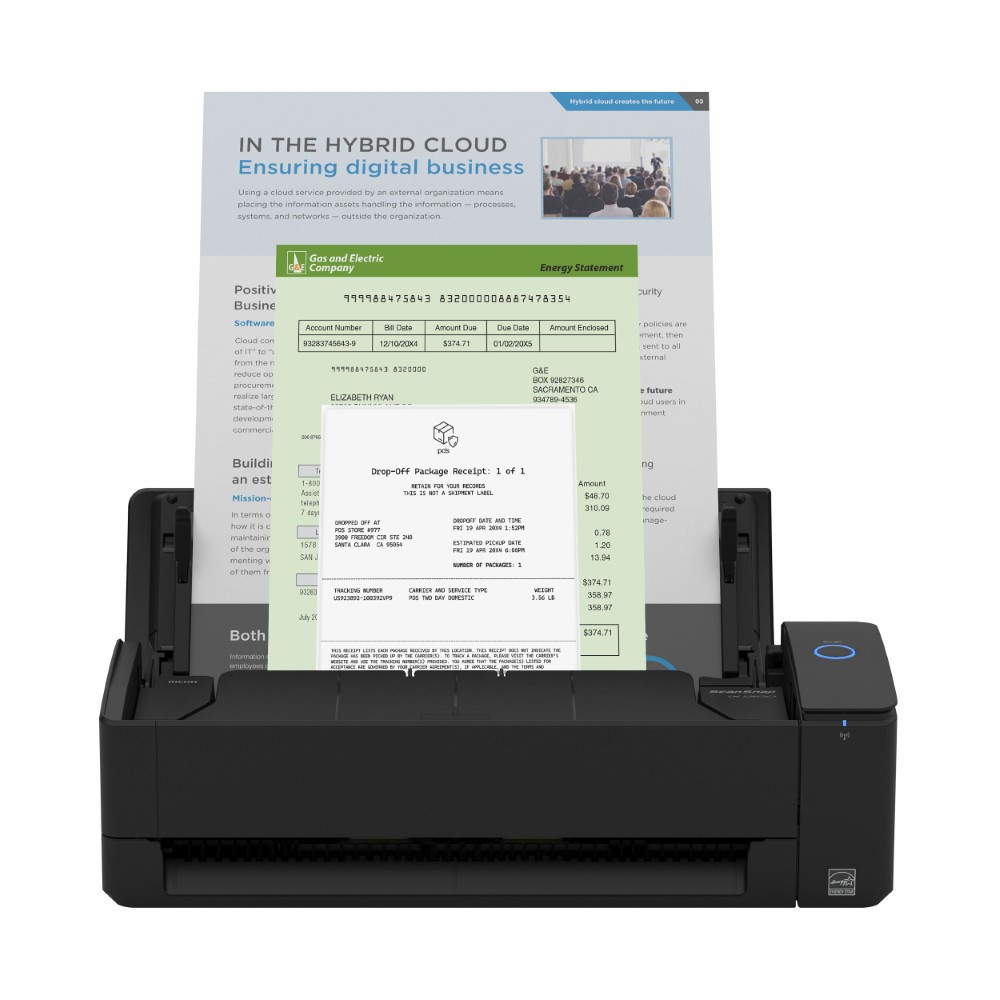
This assessment covers the black Standard Edition, PFU part PA03805-B105. PFU lists 30 pages per minute simplex or 60 images per minute duplex, with 600 dpi optical resolution. Those are manufacturer figures, not measurements of a mixed real-world job.
Use the ADF for batches; save the manual route for exceptions
The 20-sheet capacity is the iX1300's main limit for ordinary paperwork. It suits modest mail, invoice or record batches better than a routine that starts with 50 or 100 loose pages, where the smaller per-load capacity means more reloading. The PFU sources checked do not state a monthly duty-cycle target, so the speed figure should not be treated as a safe sustained-volume rating.
The second feeder is a real functional distinction from many small ADF scanners. PFU describes the iX1300 as having a Return Scan or Manual Feeder mode for originals such as envelopes, cards, folded A3 sheets, booklets and photos. That is useful when a sheet is unusual or delicate enough to deserve a separate pass. It is not an extra slot for feeding these originals into a continuous document stack, and it is not a flatbed for a thick bound book. For fragile photos, follow the current instructions and any carrier-sheet guidance rather than relying on the product image or a general marketing list.
Closed dimensions are about 11.7 by 4.5 by 3.3 inches. The small body suits a tight desk, but paper still needs room to enter and return, and unusual originals need separate handling.
Wi-Fi widens placement options, but the software route still matters
The iX1300 offers USB and Wi-Fi, plus mobile scanning through ScanSnap software and an optional ScanSnap Cloud path without a computer. These are alternate routes: the Cloud option requires Wi-Fi, an account and a supported destination. Check current device, network and service requirements before building a workflow around them.
PFU lists ScanSnap Home for organizing and routing files and describes searchable PDFs, JPEGs and editable Word, Excel and PowerPoint output. That can cover common personal and small-office tasks, but file formats are not a substitute for a device driver. The iX1300 uses a ScanSnap-specific driver and PFU's specification says it does not support TWAIN or ISIS on Windows, and does not support TWAIN on macOS. An office that relies on a named TWAIN capture application should get the exact workflow approved before buying, rather than assuming that any scanner producing PDF can plug into it.
The iX1300 uses one-button operation rather than a touchscreen. Compared with the iX2400 and iX2500, it has a 20-sheet feeder and lower listed speed; both larger models have 100-sheet feeders and 45 ppm / 90 ipm rates. The iX2400 is USB-only and automatic-feed-only, while the iX2500 adds Wi-Fi, a touch panel and a separate manual-single mode. The iX1300's case is its compact size and two-path handling, not an advantage over the iX2500 in every feature.
Check the exact finish and bundle before ordering
PFU lists a white Standard configuration as PA03805-B005 and a black Standard configuration as PA03805-B105. The manufacturer describes the same iX1300 paper-handling and connection features for both. One environmental detail does differ in the official specification: EPEAT Silver is identified for the black model only. Do not carry that claim over to the white part; if an environmental certification matters to a procurement rule, check the exact model listing and current registry details.
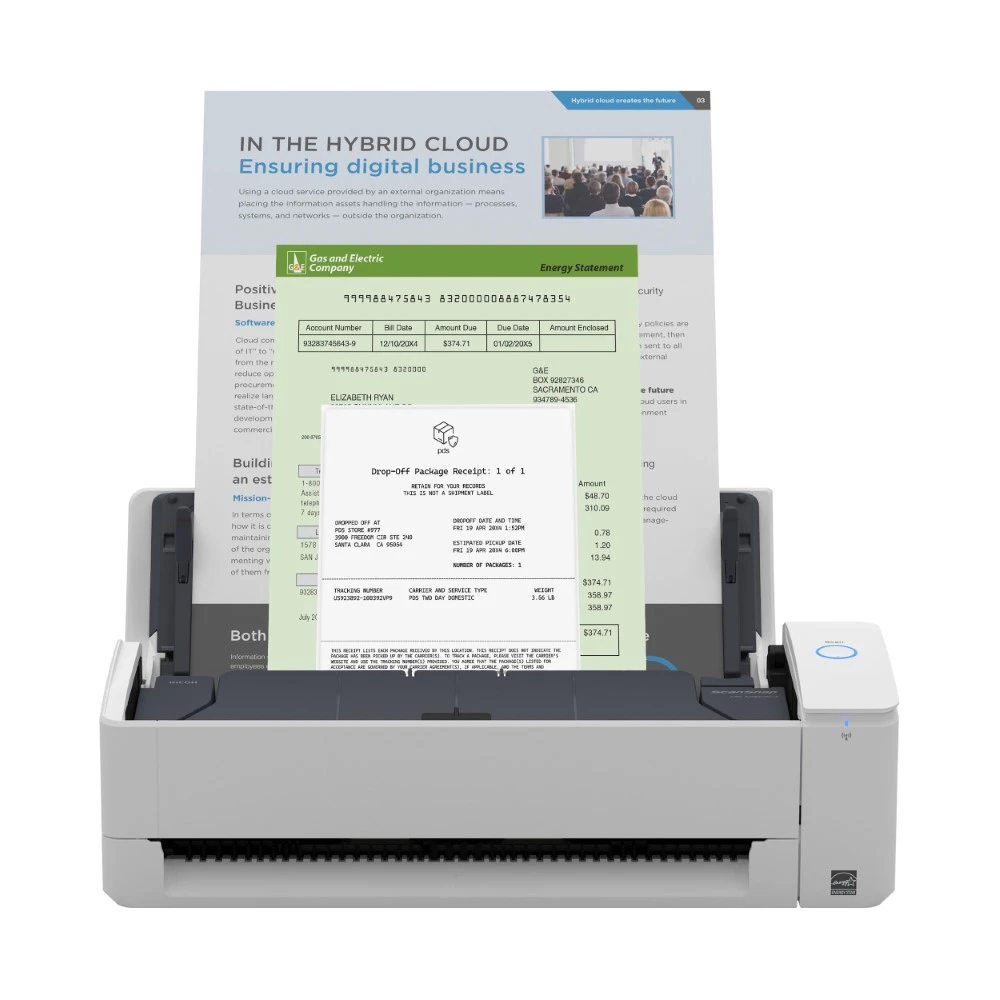
PFU also lists Certified Refurbished black PA03805-B105-R and white PA03805-B005-R offers. Both carry different condition terms from new units: the checked pages specify a 90-day limited Depot warranty, final-sale/no-return status, and possible differences in packaging, documentation or software. Check the condition and included materials on the exact offer; the white refurb page's title metadata conflicts with its white page heading and part number.
The separate Deluxe package is another distinct entry. PFU's iX1300 Deluxe part CG01000-399205 adds a Kofax Power PDF 4.0 license for PC and Mac. The scanned mechanism, 20-sheet ADF, duplex rate and feed paths remain iX1300 features. Deluxe is therefore a software-package decision, not a larger feeder or faster scanner. License duration, activation, transfer and current operating-system terms are not established by the product description and should be checked on the actual offer.
Who should put it on a shortlist?
The iX1300 is a plausible shortlist fit for modest duplex batches, useful USB/Wi-Fi flexibility and occasional booklets, cards or folded originals that need a separate pass. It is weaker for long production batches, shared Ethernet, TWAIN-dependent capture or bound volumes needing a flatbed. Before choosing, check the exact part, current app/OS support, paper instructions and whether Standard or the Kofax-equipped Deluxe bundle is intended; black, white and Deluxe are separate offers.
Key specifications
Key details at a glance
| Scanner class | Compact wireless desktop sheet-fed scanner |
|---|---|
| Manufacturer-listed simplex rate | 30 ppm |
| Manufacturer-listed duplex image rate | 60 ipm |
| Automatic document feeder capacity | 20 sheets |
| Optical resolution | 600 dpi |
| Connection options | USB / Wi-Fi |
| Automatic duplex capture | Yes |
| Separate manual-feed route | Yes |
| Touchscreen | No |
| TWAIN driver documented | No |
Use the exact model’s instructions for operating limits, supplied equipment and version differences.
Sources for this review
Sources for this assessment
- PFU Ricoh Store: iX1300 Standard black, PA03805-B105
- PFU Ricoh Store: iX1300 Standard white, PA03805-B005
- PFU Ricoh Store: iX1300 family offers and condition variants
- ScanSnap iX1300 official specifications
- ScanSnap iX1300 manual and support download index
- PFU ScanSnap comparison: iX2500, iX2400, iX1600 and iX1400
- PFU Ricoh Store: iX1300 Certified Refurbished black, PA03805-B105-R
- PFU Ricoh Store: iX1300 Certified Refurbished white, PA03805-B005-R
Compare the workflow before you choose
Use the finder to test your connection, paper and software requirements against the documented scanner arrangements.