
Your needs, this model
Does it fit your priorities?
Can I send scans to a phone instead of a computer?
PFU's US comparison lists mobile-device scanning for the iX2500, with Wi-Fi and USB connections. Confirm the current ScanSnap mobile app and your device's OS before relying on it.
Explore this need in the finder →Can I route a scan to cloud storage without leaving a computer on?
PFU documents a computer-free direct-cloud route over Wi-Fi through ScanSnap Cloud. That path requires a ScanSnap Cloud account; using a computer workflow does not require that cloud route.
Explore this need in the finder →Will my team's members be able to choose their own scan destination at the scanner?
The iX2500 has a 5-inch touchscreen and PFU says it can hold up to 100 profiles. Check how your users will maintain those profiles and whether the desired destination is supported.
Explore this need in the finder →Does the iX2500 include a TWAIN driver for legacy capture software?
No. PFU says the iX2500 does not include TWAIN; a workflow that requires that driver should be verified with IT or use a different scanner family.
Explore this need in the finder →The short version: wireless flexibility is the point
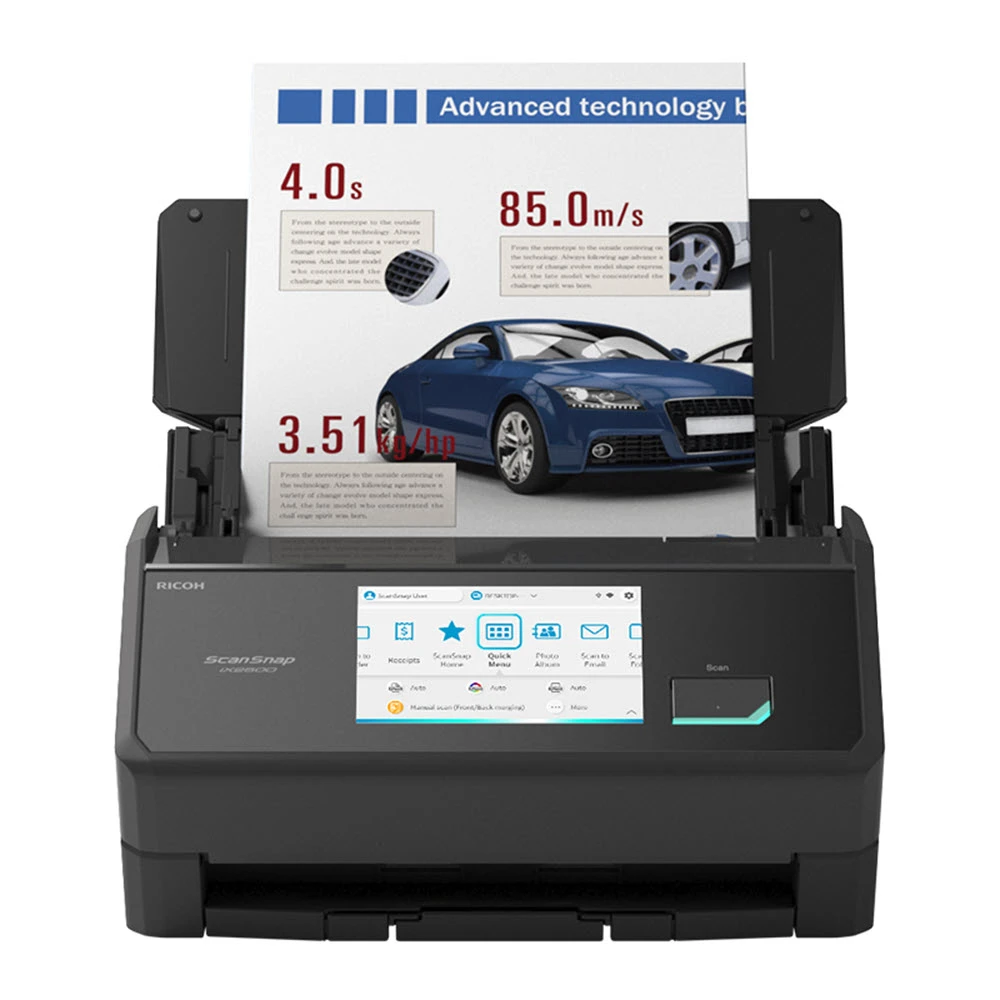
The ScanSnap iX2500 is easiest to justify when scanning is shared among people or destinations rather than tied to one desk computer. Its 5-inch touch panel, USB and Wi-Fi connections, mobile-device support and manufacturer-described direct cloud route give it more ways to start and send a job than the simpler iX2400. If the whole routine is one person feeding documents to a nearby computer, much of that extra flexibility may sit unused. This is a desk-research assessment of the US Standard Edition in black (part PA03860-B005), not a hands-on test; no independent throughput or recognition testing was performed.
Batch paper is handled by the feeder, not by a claim of magic speed
PFU lists a 100-sheet automatic document feeder and duplex scanning, with a stated rate of up to 45 pages per minute and 90 images per minute. Those headline numbers make it a plausible fit for sorting a stack of household records, forms or office correspondence, and duplex capture avoids manually turning each sheet. They are manufacturer specifications rather than a promise of the pace a particular mixed stack will sustain. Paper condition, document size, image settings, software choices and the time spent naming or checking files all affect the complete job. We found no basis here for a daily-duty recommendation, so a team that scans continuously should compare an office-class machine's rated workload and service terms before treating this personal-use model as a production scanner.
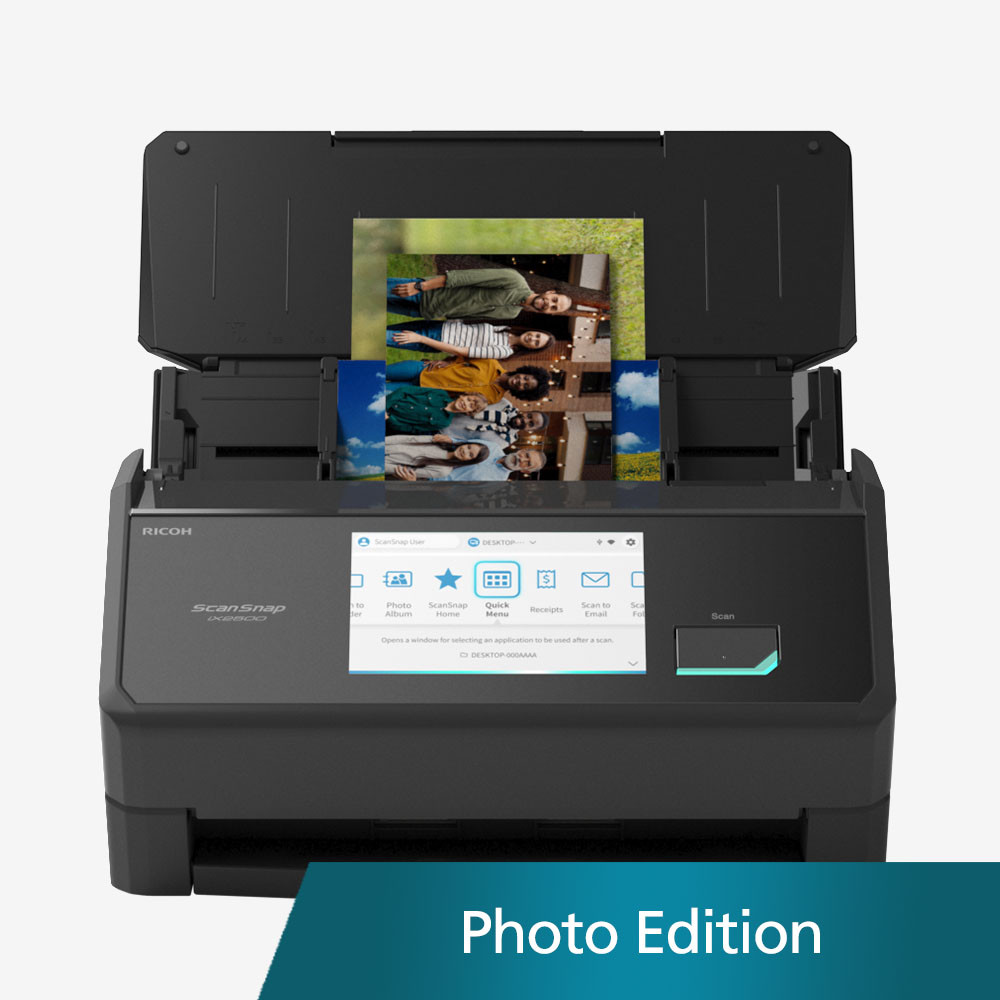
The iX2500 also has a manual-feed mode. PFU says that route is intended for items such as envelopes, plastic cards, folded A3 documents and papers with sticky notes. That is useful as a second path for awkward originals, not a reason to push those items through a regular stack or assume they will feed unattended. Separate them, check the instructions for the exact material and feed them one at a time. Fragile photographs and small originals may call for a compatible carrier sheet; the correct accessory and bundle should be checked rather than assumed to be included in the Standard Edition.
Choose the connection before choosing the scanner
The iX2500 can connect by USB or Wi-Fi. Its touch screen stores up to 100 scan profiles, so a household or small team can choose a prepared destination at the scanner instead of reconfiguring every job at a computer. PFU also describes direct scanning to popular cloud services through ScanSnap Cloud without a computer or mobile device; that route requires a ScanSnap Cloud account. A cloud account is not mandatory for ordinary scanning: PFU says a PC workflow can use ScanSnap software and the Quick Menu. Check that the current software supports the computer and services you actually use, and ask who will administer any shared profiles before relying on them.
The display and network options are real differentiators from the iX2400, not evidence that the iX2500 can join every document-management system. PFU says the iX2500 does not include a TWAIN driver. Its software can send PDFs or JPEGs to applications that open those formats, but a workplace that depends on a TWAIN-only capture program should confirm compatibility before purchase or shortlist a scanner with the required driver. The available software can make searchable PDFs and editable Word, Excel and PowerPoint files; that does not establish perfect OCR. Names, amounts, small type and unusual layouts deserve review before the original paper is discarded or a file is used as a record.
Where the iX2400 is the more sensible comparison
The two models share the key batch-paper outline in PFU's comparison: duplex scanning, a 100-sheet feeder and up to 45 ppm / 90 ipm. The iX2400 connects by USB only and has no touch panel or mobile-device scanning in that comparison. The iX2500 adds Wi-Fi, mobile routes and a 5-inch screen; the exact benefit depends on whether those features simplify your real setup. A cable to one computer is not inherently a drawback if that is where files are reviewed and stored. Conversely, a shared office, a phone-based handoff or a computer-free cloud destination gives the iX2500's extras a more concrete purpose.
Check the exact color and package
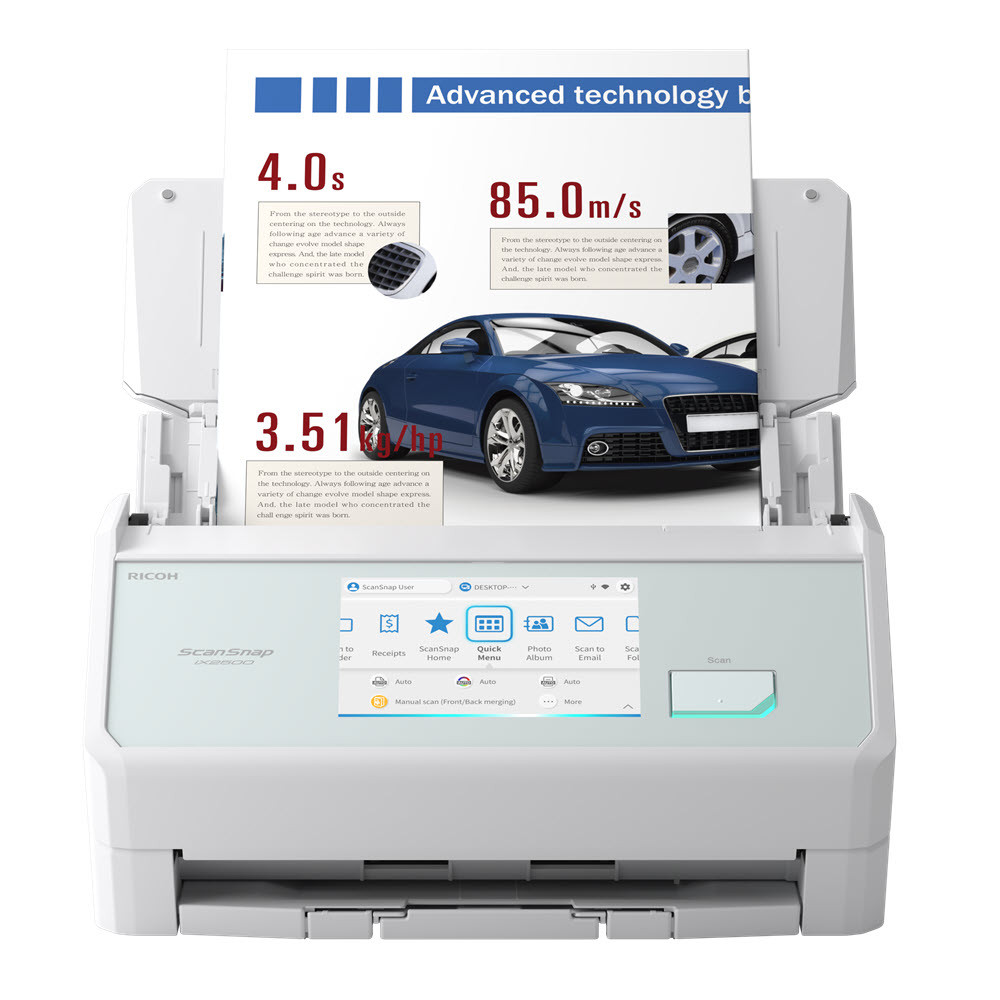
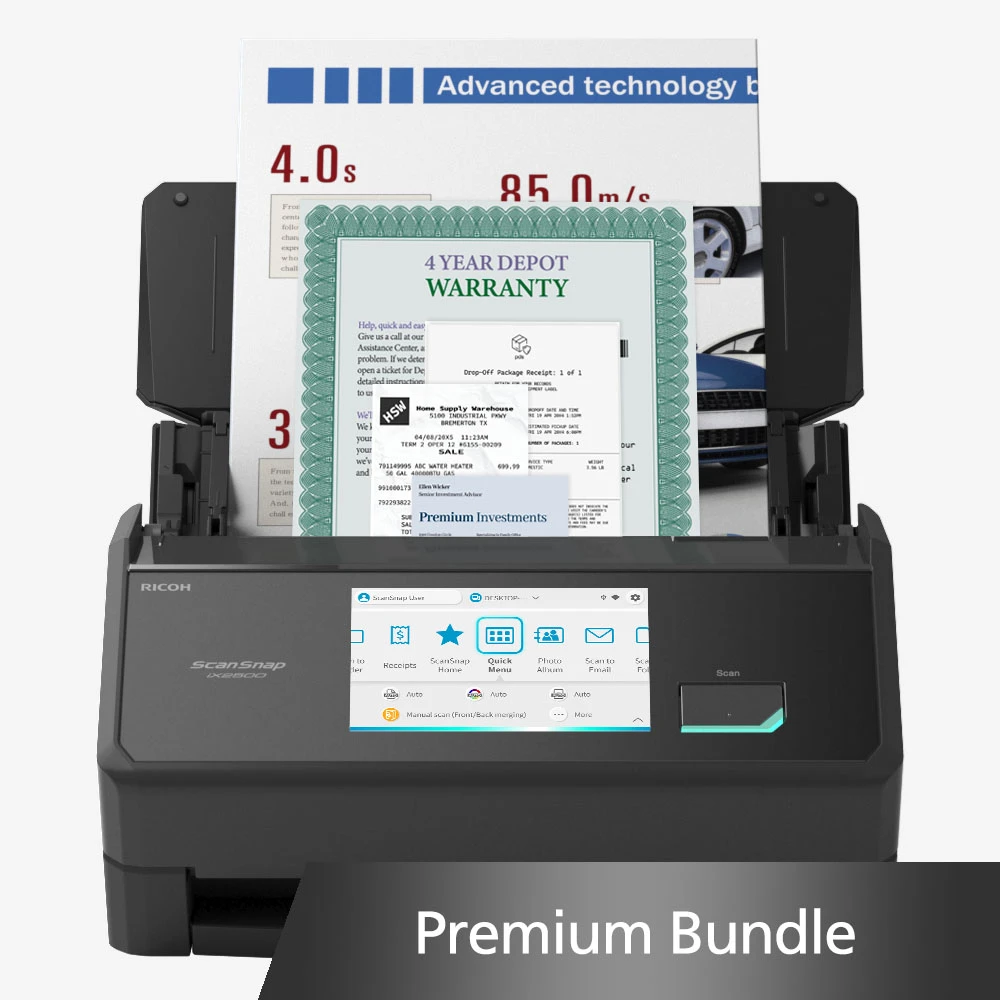
PFU's exact Store offer and SKU-specific product route identify black Standard PA03860-B005 and white Standard PA03860-B105. The unqualified product page currently presents a conflicting default part number beside its black Standard label; use an exact SKU-specific offer to identify the package. The separate Photo Edition, CG01000-399204, includes three photo carrier sheets; the Premium Bundle, CG01000-310324, adds a four-year Depot Warranty. These remain package or finish distinctions around the iX2500 workflow; pictured sample originals and warranty graphics are not carton contents. The Receipt Edition, identified by PFU's Store as PA03860-B305, adds a different QuickBooks-oriented software and guide setup, assessed separately in the iX2500 Receipt Edition review. Confirm the exact part, seller terms and included items on the offer you are comparing. Before buying, check the supported host OS, intended destination, TWAIN requirement, document types and whether originals can be retained long enough to verify scans.
Who should keep looking
Consider another class of scanner if you need a flatbed for bound books or delicate items, a genuinely portable battery-powered device, a supported TWAIN workflow, a known daily duty rating, or managed high-volume intake. The iX2500 is a feature-rich personal ADF design, not a universal answer to those requirements. Its strongest case is the mix of routine two-sided stacks with optional wireless, mobile and profile-driven routing. Where those destinations do not matter, compare the simpler USB-only sibling before paying for features that will not change the work.
Key specifications
Key details at a glance
| Scanner class | Personal desktop sheet-fed ADF |
|---|---|
| Manufacturer-listed simplex rate | 45 ppm |
| Manufacturer-listed duplex image rate | 90 ipm |
| Automatic document feeder capacity | 100 sheets |
| Optical resolution | 600 dpi |
| Connection options | USB / Wi-Fi |
| Automatic duplex capture | Yes |
| Separate manual-feed route | Yes |
| Touchscreen | Yes |
| TWAIN driver documented | No |
Use the exact model’s instructions for operating limits, supplied equipment and version differences.
Sources for this review
Sources for this assessment
Compare the workflow before you choose
Use the finder to test your connection, paper and software requirements against the documented scanner arrangements.